
How to Download and View Your Contract
View and download your membership agreement in the user dashboard
Your contract is a legally binding document. Read it carefully before agreeing to any terms.
1
Your contract will be available once you have completed your payment and your account has been created.
2
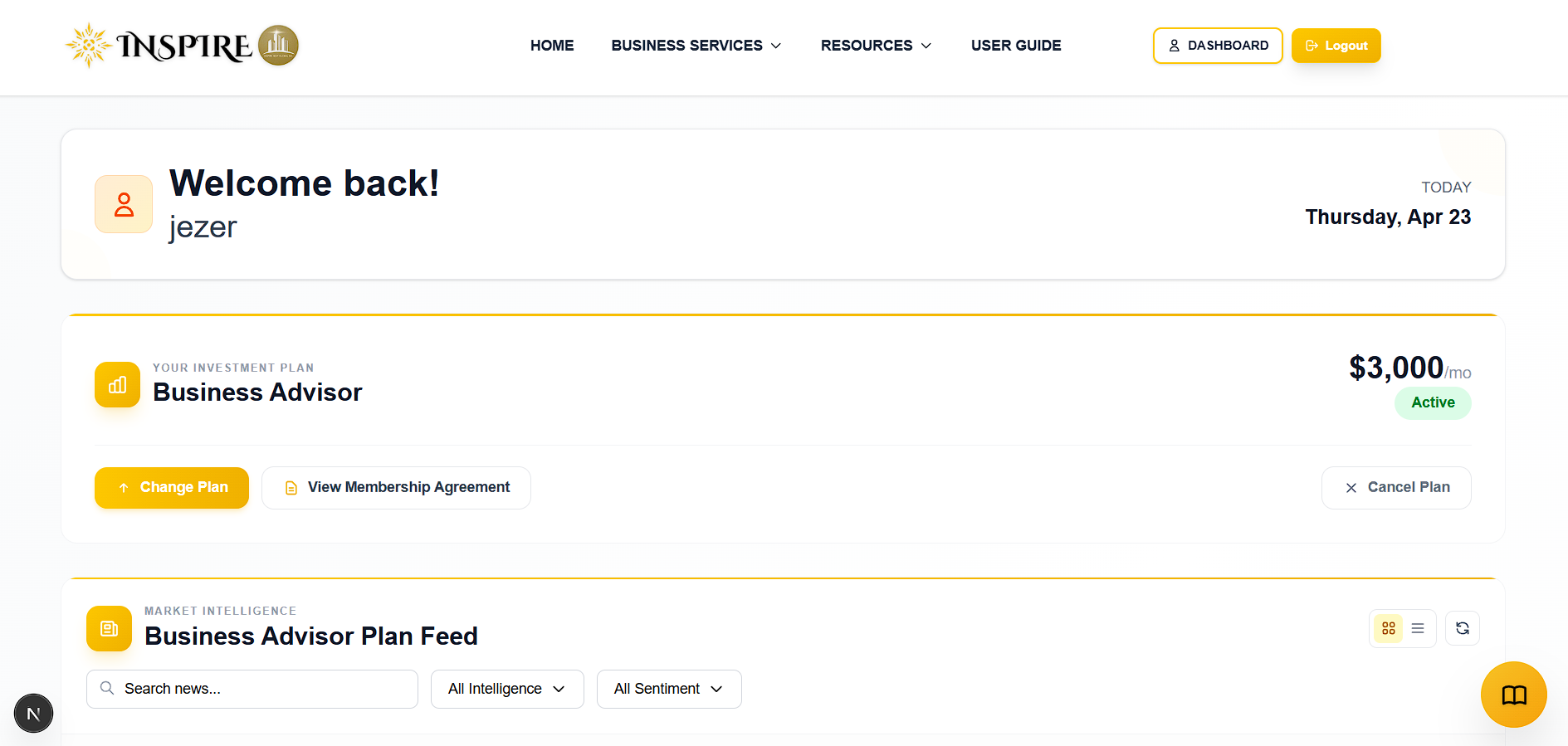
Log in to your account and navigate to your User Dashboard.
3
Look for the "Investment Plan" section in your dashboard.

4
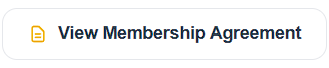
Click on "View Membership Agreement" to open your contract form in the browser.
5
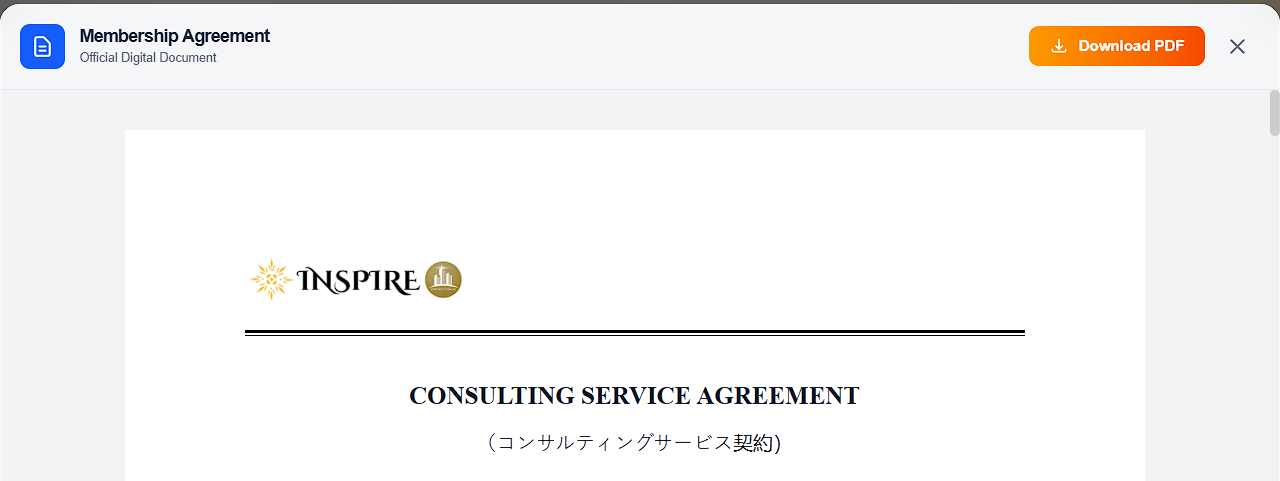
Click the download button in the upper right corner of the agreement form to download your contract.
6
Review all terms, conditions, and plan details carefully.
7
Contact support if you have questions about any clause in the contract.